Best Time Lapse Cameras for Newbies in 2026
Creating a time-lapse video is one of the best ways to capture long projects or changing landscapes in a short, engaging format. Whether you want to document a construction project, monitor a garden, record a renovation, or capture a beautiful sunrise, the right camera makes the process much easier.
If you are just getting started, choosing from the many time-lapse cameras on the market can feel overwhelming. Some models offer advanced features that beginners may never use, while others provide a simple setup that helps you start recording right away.
This guide explains what beginners should look for, highlights the best camera types for different needs, and shares practical tips to help you achieve excellent results in 2026.
What Is a Time Lapse Camera?
A time-lapse camera captures images at set intervals over a long period. Those images are then combined into a video that shows time moving much faster than it appears in real life.
Time-lapse recording is commonly used for:
- Construction projects
- Building renovations
- Landscaping work
- Plant growth
- Weather changes
- Events and festivals
- Home improvement projects
Unlike standard video recording, this method saves storage space while creating smooth videos that are easy to share.
Why Beginners Should Use a Dedicated Camera
Many smartphones can create simple time-lapse videos. However, they are not designed to record for hours, days, or even months.
Dedicated cameras offer several advantages:
- Longer battery life
- Better image quality
- Weather-resistant designs
- Flexible recording schedules
- Reliable long-term operation
For beginners planning ongoing projects, dedicated equipment provides a much better experience.
Features to Look For
Before selecting a camera, understand which features matter most.
Easy Setup
A beginner-friendly device should have simple controls and clear menus. You should be able to:
- Select recording intervals
- Start recording quickly
- Review captured images easily
Simple operation helps new users avoid mistakes.
High Resolution Images
Clear images produce better videos. Look for cameras capable of capturing detailed photos that remain sharp even when viewed on larger screens.
Higher resolution also gives you more flexibility when editing.
Long Battery Performance
Many projects continue for weeks or months. Choose equipment that supports:
- Long battery life
- External power options
- Rechargeable batteries
- Solar charging, if needed
Reliable power prevents interruptions.
Weather Protection
Outdoor recording requires equipment that can handle changing conditions. Look for features such as:
- Water resistance
- Dust protection
- Durable housing
- Temperature tolerance
Weather-resistant equipment performs more reliably in challenging environments.
Best Camera Types for Beginners
Instead of focusing on only one model, beginners should first understand the different camera categories available and then choose the best time-lapse camera.
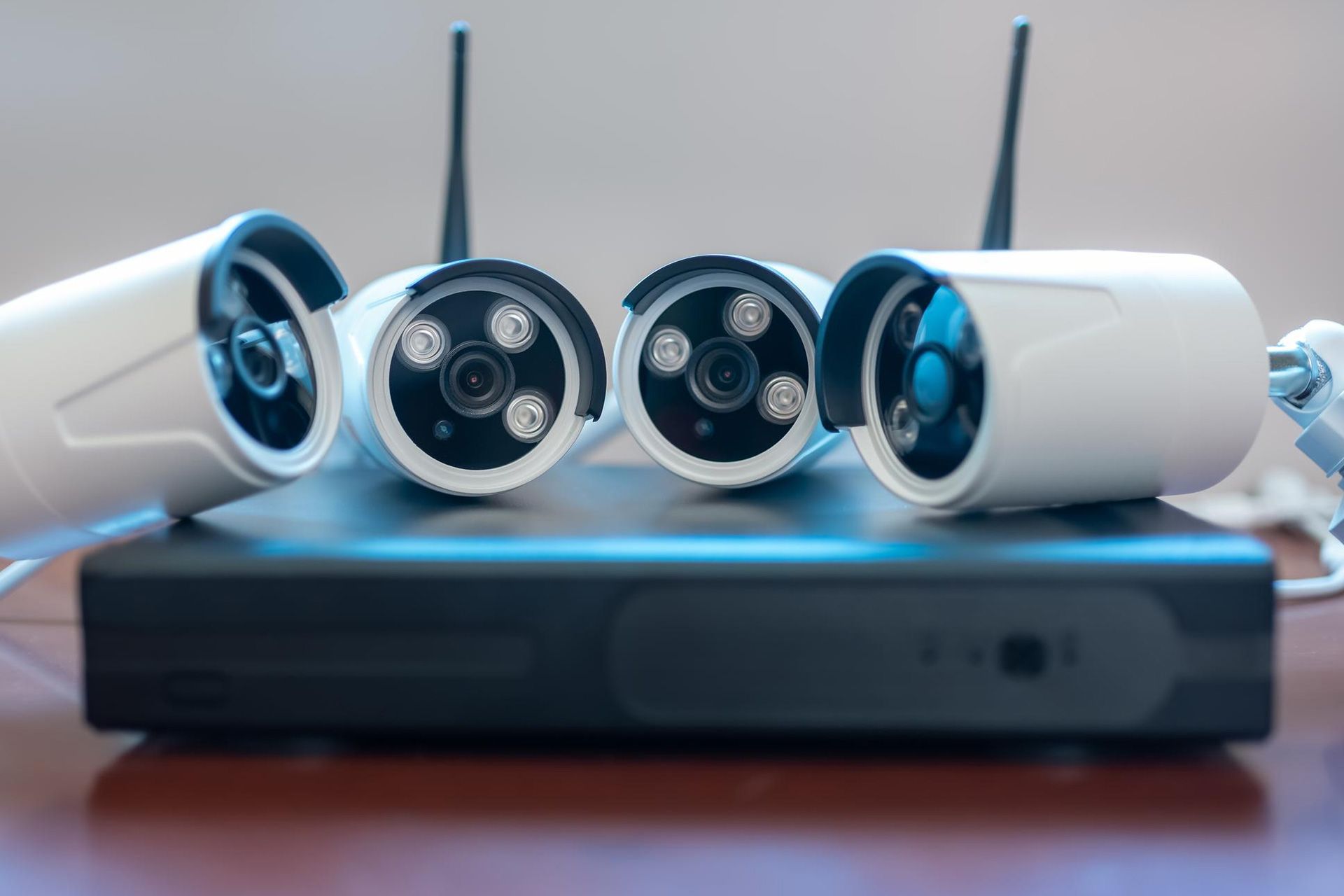
Construction Monitoring Cameras
These cameras are designed specifically for long-term project documentation. They usually include:
- Automatic scheduling
- Durable weather protection
- Remote monitoring
- Long battery operation
They are ideal for contractors, builders, and project managers.
Action Cameras
Action cameras are small, portable, and easy to use. They work well for:
- Travel
- Outdoor adventures
- Short projects
- Personal creative videos
Many include built-in time-lapse modes that simplify recording.
Mirrorless Cameras
Mirrorless cameras provide excellent image quality. They are a great choice for users who want greater creative control and interchangeable lenses.
However, beginners may find the learning curve slightly steeper.
Digital Cameras with Interval Shooting
Many digital cameras now include interval photography features. These models allow users to schedule automatic photo capture without requiring additional accessories.
They offer a good balance between quality and ease of use.
Tips for Better Time Lapse Videos
Buying a camera is only the first step. Following good recording practices produces better final results.
Keep the Camera Stable
Even small movements can affect video quality. Use:
- Strong tripods
- Permanent mounts
- Secure brackets
A stable position creates smoother videos.
Plan Your Composition
Think about what viewers should see. Avoid placing unnecessary objects in the frame.
Choose an angle that clearly captures changes throughout the project.
Use Consistent Lighting
Lighting changes naturally throughout the day. Whenever possible:
- Avoid direct glare
- Position the camera carefully
- Monitor shadows
Balanced lighting improves video quality.
Select the Right Capture Interval
Different projects require different recording speeds. Examples include:
- Every few seconds for fast-moving scenes
- Every few minutes for renovations
- Every fifteen to thirty minutes for long construction projects
Choosing the proper interval creates smooth playback.
Storage Considerations
Long projects generate thousands of images. Before recording, consider:
- Memory card capacity
- File management
- Backup storage
- Cloud storage options
Regular backups protect your project from accidental data loss.
Maintaining Your Camera
Proper maintenance extends equipment life. Regularly:
- Clean the lens
- Check mounts
- Inspect battery compartments
- Update firmware when available
- Protect equipment during transport
Simple maintenance helps ensure reliable performance over time.
Why Remote Monitoring Is Helpful
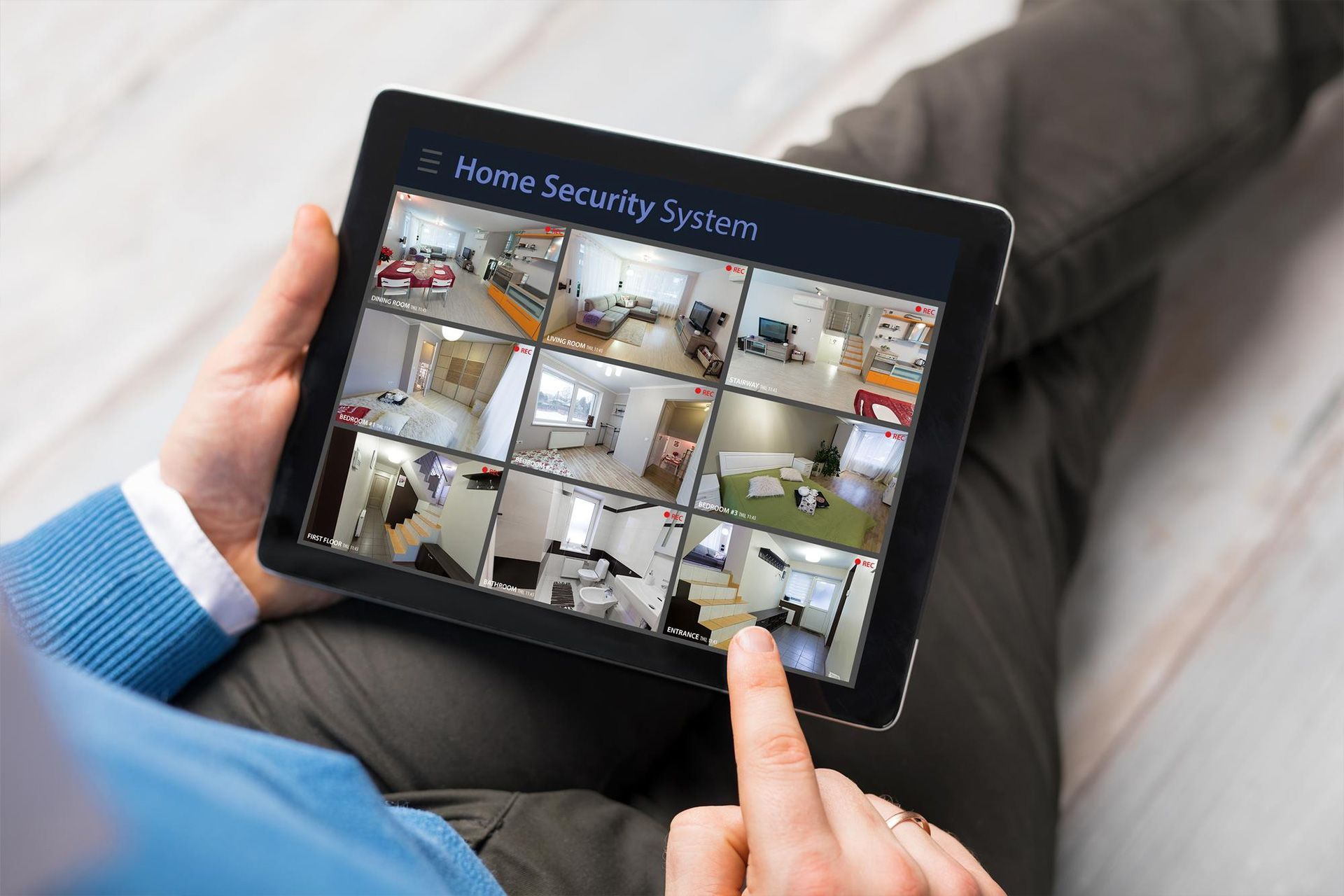
Many modern time-lapse cameras include remote management features. Remote access allows users to:
- View current images
- Check battery status
- Adjust settings
- Confirm the camera is operating correctly
This feature is especially useful for projects that continue for weeks or months.
Is Artificial Intelligence Changing Time Lapse Recording?
Artificial intelligence is beginning to improve camera technology. Some newer systems can:
- Detect project progress
- Optimize image settings
- Improve exposure automatically
- Simplify video creation
These features make recording easier for beginners while improving overall results.
Conclusion
Choosing the right time-lapse cameras does not have to be complicated. Beginners should focus on ease of use, reliable battery life, weather resistance, image quality, and recording flexibility rather than on advanced features they may never use.
Whether you are documenting construction, renovations, landscaping, or creative projects, selecting equipment that matches your goals will help you produce better videos with less effort. Learning basic setup techniques and following good recording practices can significantly improve your final results.
AMJ Tech Solutions helps businesses and project teams choose reliable solutions that simplify and streamline project monitoring and visual documentation. Our team is ready to help you find the right solution for your recording needs. Schedule a consultation today to learn more about the best solutions for your next project.
FAQs
What are time-lapse cameras used for?
They capture images at set intervals to create videos that show long events, such as construction projects or natural changes, in a shorter viewing time.
Are time-lapse cameras suitable for beginners?
Yes. Many beginner-friendly models offer simple controls, automatic scheduling, and easy setup, making them ideal for first-time users.
How long can a time-lapse camera record?
Recording time depends on battery life, storage capacity, and power options. Some cameras can operate continuously for weeks or even months with the proper setup.
Do I need internet access to use the camera?
Not always. Many cameras record directly to memory cards. Some advanced models also offer remote monitoring through cellular or wireless connections.
What is the most important feature to consider when choosing a camera?
For most beginners, ease of use, image quality, battery performance, weather resistance, and reliable recording intervals are the most important features to consider.
Disclaimer: The information on this website and blog is for general informational purposes only and is not professional advice. We make no guarantees of accuracy or completeness. We disclaim all liability for errors, omissions, or reliance on this content. Always consult a qualified professional for specific guidance.
Search
Recent Posts