Remote CCTV Monitoring for Businesses: How It Works and Why It Matters
Security cameras are valuable, but people often review recorded footage only after something has already happened. For many businesses, that is not enough. Remote security monitoring adds an active layer by letting authorized staff or trained monitoring teams view camera feeds, verify alerts, and respond to potential incidents without being on-site.
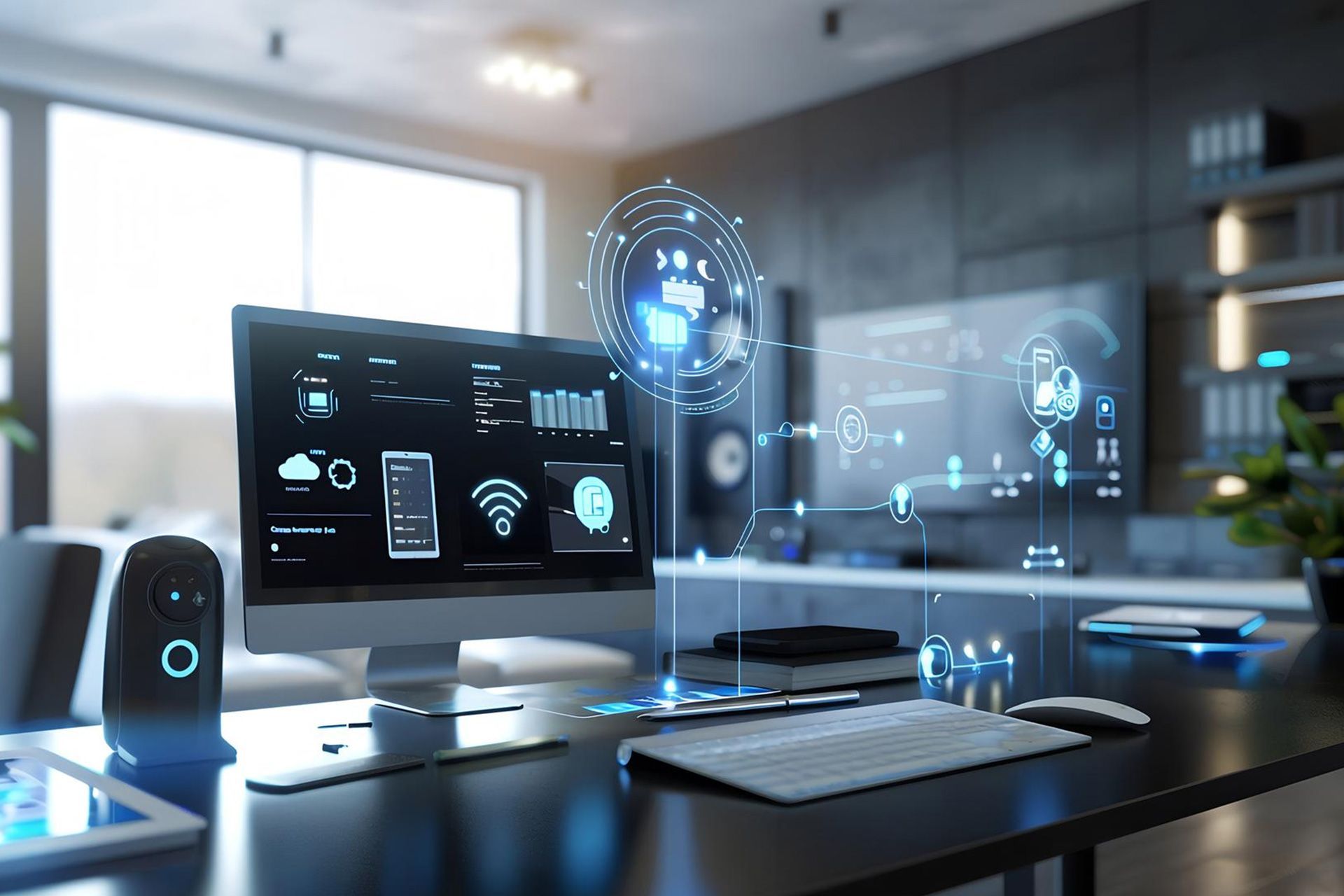
Modern systems can combine cameras, recording platforms, analytics, mobile access, and response procedures. The right setup depends on the property, its risks, and whether the business wants simple remote access or professional live monitoring.
This guide explains how CCTV monitoring works, where it adds value, and what businesses should review before choosing a solution.
What Remote Monitoring Means
Remote monitoring connects a business camera system to authorized users or a monitoring center through a secure network connection. Instead of being limited to a screen inside the building, approved users can review live or recorded video from another location.
Some systems mainly provide remote viewing. Others use motion detection, video analytics, alarms, or sensors to create alerts. A trained operator may then review the footage and decide whether the activity is normal or requires attention.
Remote video surveillance monitoring works best when it follows a clear process. The technology should detect an event, send useful information, allow someone to verify what is happening, and support an appropriate response.
How the Monitoring Process Works
A well-designed setup usually follows several connected steps.
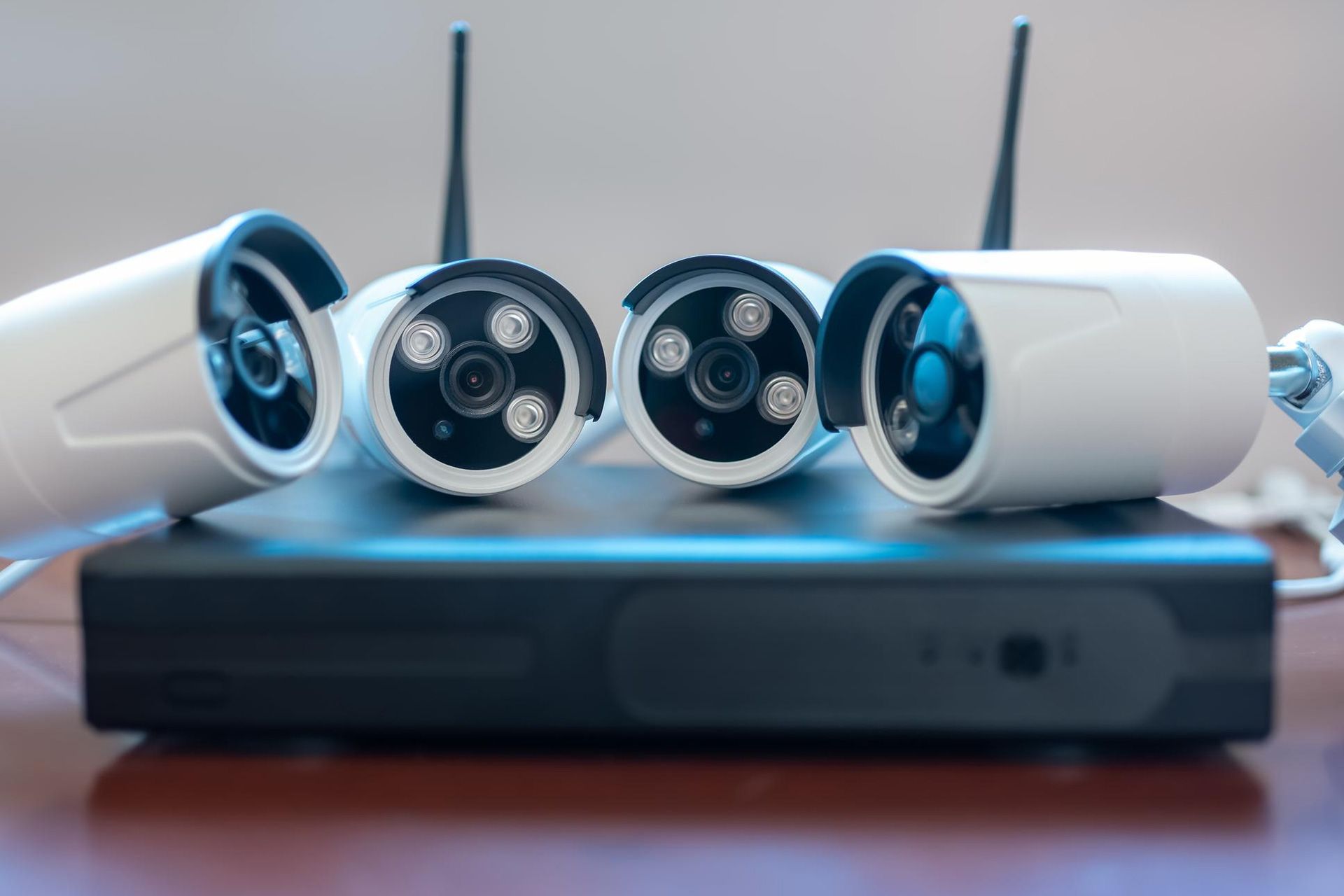
First, cameras cover selected areas, including entrances, loading zones, parking areas, stockrooms, and perimeter gates. The system sends video to a recorder, server, cloud platform, or other approved storage system.
Next, the system may use rules or analytics to identify activity. For example, it may detect movement in a restricted area after business hours or recognize when someone crosses a defined boundary.
When an event meets the configured rule, the system can alert authorized staff or a monitoring center. The recipient reviews the live feed or recorded clip to understand what happened.
If action is needed, the response may include contacting a manager, notifying security personnel, using an approved audio warning, or following an emergency procedure.
The Main Parts of a Remote Monitoring Setup
Reliable results depend on more than cameras. Several parts must work together.
- Cameras and placement: Cameras should cover the most important areas. Image quality, lens choice, lighting, height, and viewing angle affect how useful the footage is.
- Recording and storage: Businesses may use an NVR, DVR, server, cloud service, or a combination of storage methods. Plan retention needs before installation.
- Network connection: IP-based systems need reliable network capacity. Remote access also depends on a stable internet connection when users connect from outside the site.
- Alerts and response: Motion detection or video analytics can highlight specific events. Businesses should also define who receives alerts and what happens when an event is verified.
Why Businesses Use Remote Monitoring
One key benefit is faster awareness. A business owner doesn't have to wait until the next morning to discover something happened overnight. Alerts and live access can make important activity visible sooner.
Commercial remote monitoring can also help businesses oversee multiple locations from a single system. A manager responsible for stores, offices, warehouses, or construction sites can review selected cameras without traveling to every property.
Video also adds context to alarms. A basic sensor may show that something was triggered but not explain why. Video can help determine whether the cause appears to be a person, a delivery, weather, an animal, or another event.
Remote Monitoring Is Different From Basic Recording
Traditional surveillance focuses on storing video for later review, which can support investigations or incident documentation. Remote monitoring adds a live or event-driven element, allowing authorized users to review activity as it happens or shortly after an alert.
This difference matters. A camera can record an incident without anyone knowing about it until much later. CCTV monitoring becomes more proactive when the system includes alert rules, verification, and response plans.
Where Businesses Can Use It
Retail stores may focus on entrances, stockrooms, cash areas, and post-closing activities. Warehouses often need coverage around loading docks, gates, storage zones, and outdoor perimeters. Offices may monitor entrances, reception areas, parking spaces, and restricted rooms, while construction sites may focus on equipment, materials, and access points.
Commercial remote monitoring can also help facilities teams confirm deliveries or check activity at several sites. Surveillance should still have a legitimate purpose and follow applicable privacy and workplace rules.
How Video Analytics Improve Alerts
Modern systems can do more than react to basic motion. Depending on the equipment, analytics may distinguish between people and vehicles, monitor virtual lines, identify activity inside selected zones, or apply schedules to certain rules.
These features can reduce unnecessary review. For example, a business may want notifications only when a person enters a restricted area after closing.
Analytics still require testing because camera position, lighting, weather, distance, and scene activity can affect performance.
Secure the Network and Remote Access
Remote access makes cybersecurity important. Cameras, recorders, apps, and network equipment are part of the company’s technology environment.
Use unique passwords, limit administrator access, install supported firmware updates, and remove accounts that are no longer needed. Use secure remote connections recommended by the equipment provider.
Businesses should also know who can view video, export footage, change settings, or create new users. Access should match job responsibilities.
For remote video surveillance monitoring, cybersecurity and physical security should support each other. A well-placed camera loses value if the account controlling it is poorly protected.
Reduce False Alerts With Better Planning
Too many unnecessary notifications can cause users to ignore important alerts. Define the areas that need event detection, use schedules for relevant hours, and adjust sensitivity to match real site conditions.
Headlights, reflections, vegetation, insects, rain, or normal staff activity can trigger false alarms. Post-installation testing helps identify these issues.
What to Review Before Choosing a System
Before investing in a remote setup, carry out a site and operational review.
- Security priorities: Identify the areas, assets, and times that create the greatest concern. This helps determine where cameras and alerts provide the most value.
- Existing infrastructure: Review current cameras, cabling, recorders, internet service, network switches, and power. Some equipment may be reusable while other parts may need upgrading.
- Response expectations: Decide who should receive alerts and what should happen after verification. A system without a clear response plan may generate information without creating useful action.
- Privacy and access: Define where cameras may be installed, who may access recordings, and how footage should be handled in accordance with applicable rules.
When Professional Design Matters
Large properties, multiple sites, outdoor perimeters, mixed camera types, remote access, and integrated alarms can make professional planning especially valuable.
A security specialist can assess camera angles, blind spots, lighting, bandwidth, storage, permissions, and integration. The goal should be reliable coverage, not simply installing more cameras.
Regular maintenance also helps ensure that cameras, storage, network settings, and remote access continue to work as expected.
Conclusion
Remote surveillance lets businesses move beyond simply storing footage. A well-planned system can provide live visibility, event alerts, video verification, remote access, and clearer response procedures across one or several properties.
The strongest systems begin with a site assessment and clear security goals. Camera placement, network reliability, storage, cybersecurity, privacy, and response planning should work together.
AMJ Technology Solutions provides CCTV camera design, installation, configuration, storage, and maintenance services for businesses in Abu Dhabi, Dubai, and across the UAE. Our team can assess your security environment and help plan a surveillance solution that supports reliable remote oversight.
Contact our team to schedule a CCTV consultation and discuss the right monitoring setup for your business.
Frequently Asked Questions
Can I View Business CCTV Cameras From My Phone?
Yes. Many modern systems provide secure mobile or web access when configured for remote viewing. Access should be protected with strong credentials and limited to authorized users.
Does Remote Monitoring Require Someone to Watch Cameras All Day?
Not always. Some systems use event alerts so users review video only when selected activity occurs. Professionally monitored services may also use trained operators to verify alerts according to an agreed process.
What Happens if the Internet Connection Fails?
Local recording may continue if the cameras, recorder, and local network remain operational, depending on the system design. Remote viewing and external alerts may be unavailable until connectivity returns.
Can an Existing Camera System Be Upgraded for Remote Access?
Sometimes. Compatibility depends on the cameras, recorder, network equipment, software, and security requirements. A technical assessment can determine what is reusable.
How Often Should a Remote Surveillance System Be Checked?
Inspect it regularly and after major network, building, or operational changes. Check recording, storage, alert rules, user accounts, and remote access.
Disclaimer: The information on this website and blog is for general informational purposes only and is not professional advice. We make no guarantees of accuracy or completeness. We disclaim all liability for errors, omissions, or reliance on this content. Always consult a qualified professional for specific guidance.
Search
Recent Posts